
Table of Contents
The Local Website Cast mode allows you to stream the currently selected video to another device through a minimalist website hosted locally on your Android device using NanoHTTP.
🧰 How It Works #
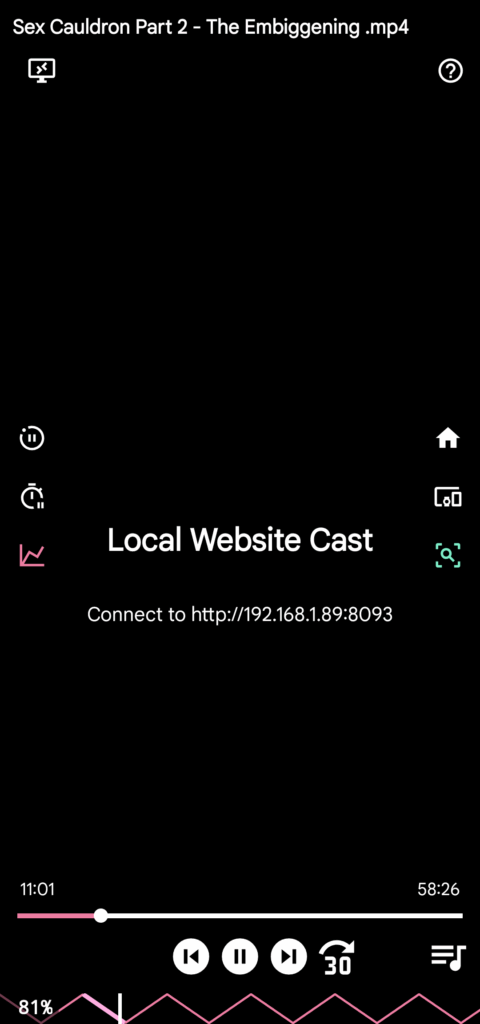
- When this player is selected, FunFlixDroid starts a local server and displays the local IP address (e.g.
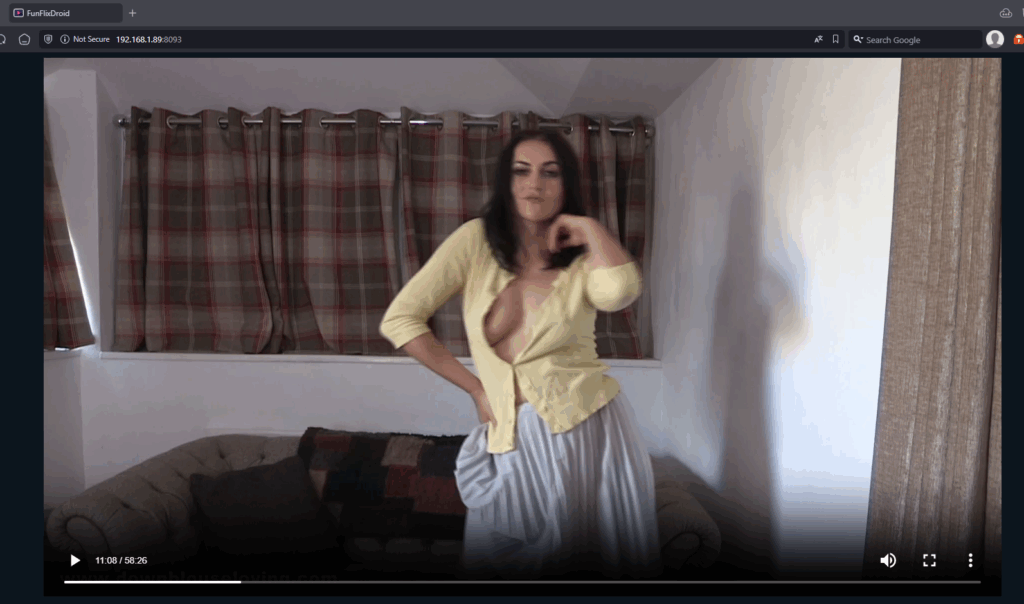
http://192.168.1.xxx:12345) of the hosted website. - Opening this address on another device (PC, smart TV, tablet…) lets you view the current video in a built-in web player.
⚠️ This requires both devices to be on the same Wi-Fi network.
🖥️ Key Use Cases #
- PC Playback: Watch your video on a bigger screen while FunFlixDroid handles Bluetooth connections and script syncing.
- Smart TV: Ideal for TVs that don’t support Chromecast, but have a web browser.
🎬 Features & Limitations #
- The website only shows the current video — playlist navigation is still managed from FunFlixDroid.
- Video playback state (play/pause/seek) is synced via WebSocket — FunFlixDroid receives video time updates once per second and interpolates in-between for smooth device syncing.
- No Funscript or player controls are visible on the website — it’s just a simple, clean video player.
✅ Benefits #
- Full device sync even when watching from another screen
- No need for casting support — only a browser is required
- Keeps using your phone’s Bluetooth to control devices


